


Live Configurator
Configure it yourself. In minutes.
The Joynn’d configurator walks you through finish selection, dimensions, and unit configuration, then generates a full specification you can share or specify from. No rep required, no waitlist.

How it works
Four steps from idea to specification.
Set the configuration
Columns, tiers, door mix, and base type, built to fit the space.
Choose your finishes
Explore the full palette across solid laminate and woodgrain, panel by panel.
Pick locks & hardware
Select lock type and pull details to match how the unit will be used.
Generate a full spec
Export a complete, shareable specification you can order or specify from.
Configure Now
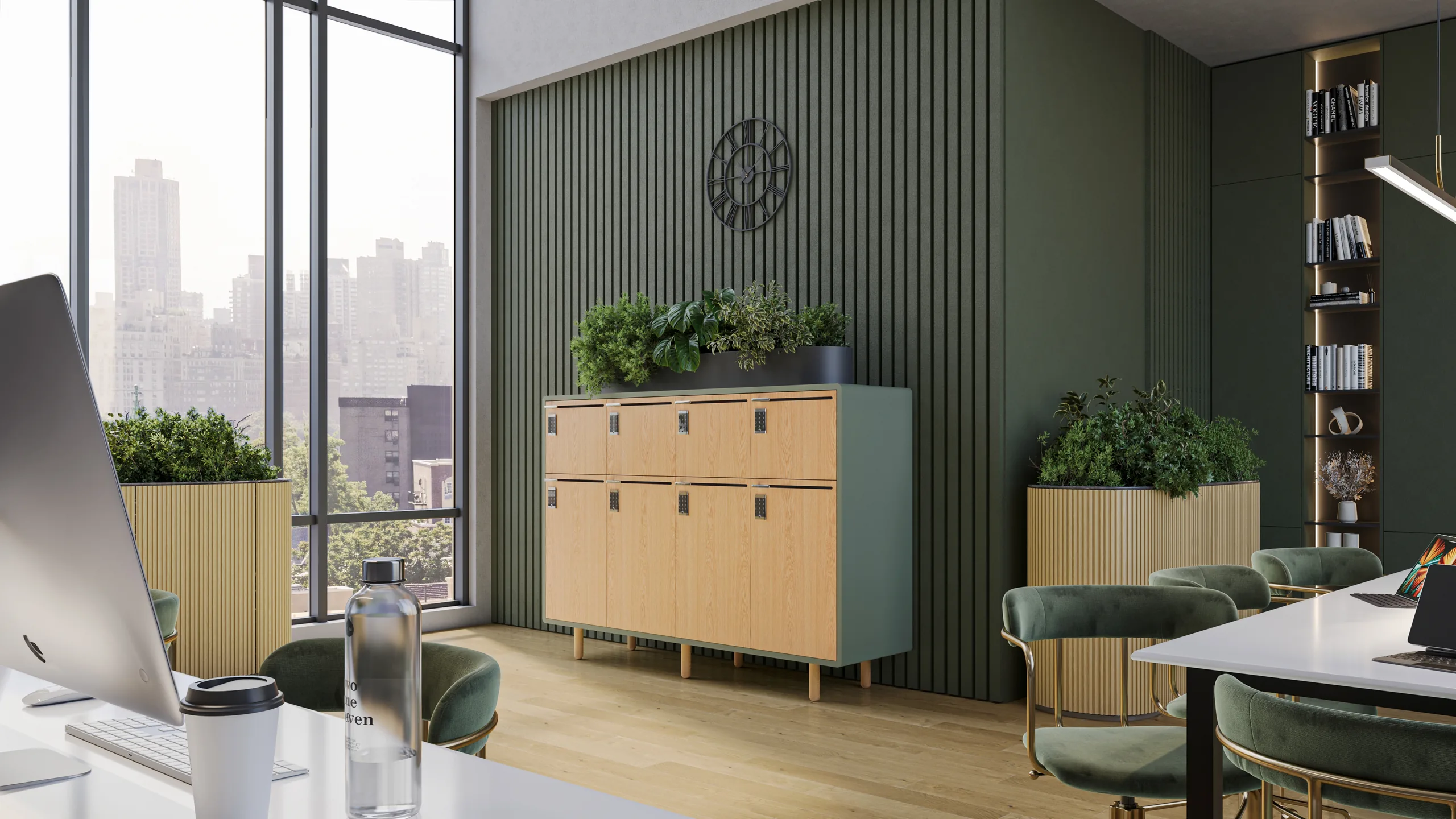
Arraya Lockers
A locker system reimagined as furniture. Select finishes, dimensions, and lock type, then generate a full specification.
Configure Arraya →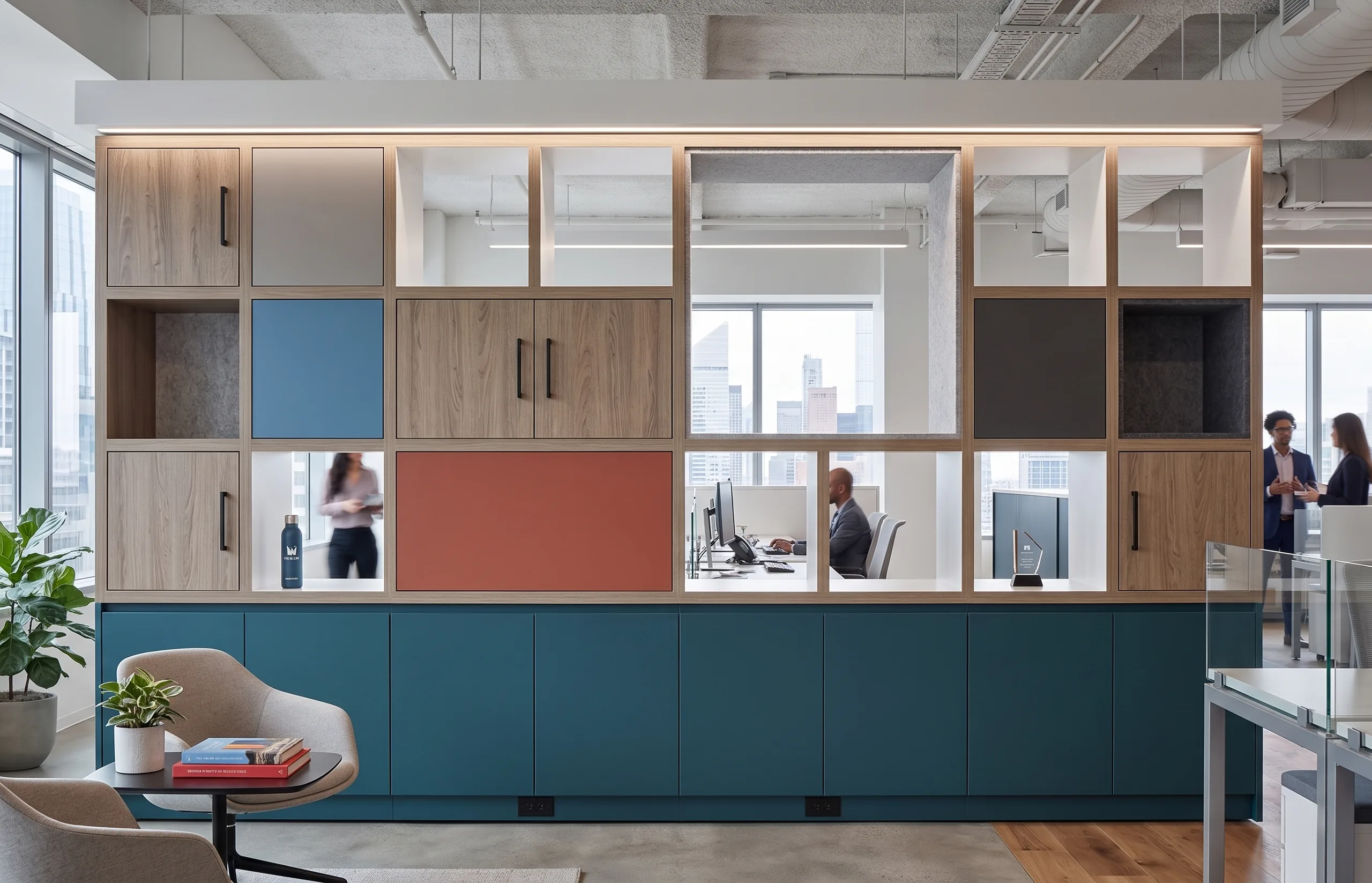
Configure Now
Zone Divider
A modular divider that does the work of a wall. Set panel height, material, and configuration, and get a spec in minutes.
Configure Zone Divider →Not sure where to start? Talk to a specialist and we’ll point you in the right direction.
Or start from a Zone Divider configuration that already exists: Sightline, Short Run, Quiet Neighborhood, Day-Use Run, Media Hub, Media Post, The Spine or Storage Wall. Each one is fully specified — columns, tiers, base and finishes — and opens in the configurator to be changed.